Plug in. Backup starts.
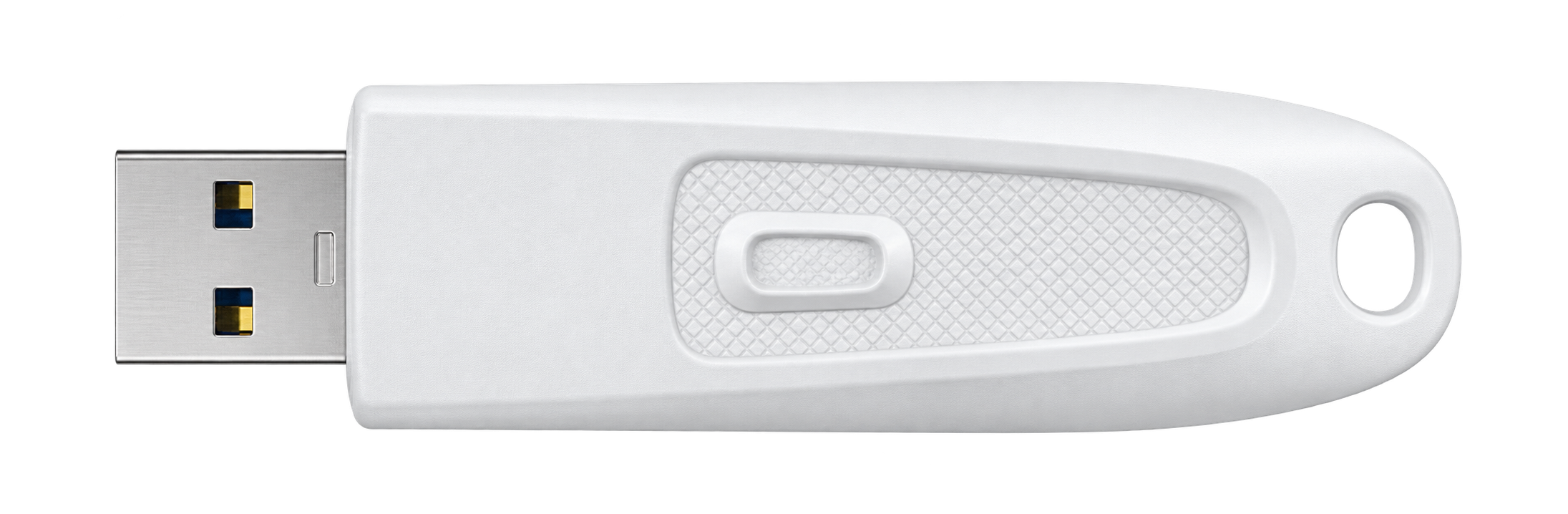
Your paired drive starts the backup automatically.
AUTOMATIC USB BACKUP FOR WINDOWS
Your important folders, backed up automatically.
No app to open. No copy button to click.
One plug. Backup underway.
A quick look at the workflow. Copying time is shortened.Your paired drive starts the backup automatically.

Keep working while VaultTail copies in the background.

Other USB drives are left alone.

New and changed files are copied. Unchanged files are skipped.
LESS TO DO. EVERY TIME.
The same routine, every time.
Next backup? Repeat these steps.
After choosing your folders and pairing a drive once.
It checks your folders and copies only new or changed files in the background.
TRY THE SETUP
Choose example folders and a drive to see how it works.
 VaultTail Interactive demo
Select folders with important files.
Your originals will not be moved or changed.
Next step — choose a USB drive.
Choose the example folders to begin.
VaultTail backs up to the drive you paired. Other USB drives are ignored.
Your selected folders are copied in the background.
Try it: select a different drive above.
 File Explorer− □ ×PhotosDocumentsProjects
WHEN YOU NEED YOUR FILES
Open VaultTail Backup on your USB drive in File Explorer. Your photos, documents, and projects are ready to browse.
14-DAY FREE TRIAL
Start with a folder you know. Run a backup, then open the copies on your USB drive and see the result for yourself.
Available on Microsoft Store for Windows.
Your local price is shown before you buy.
Get VaultTail from Microsoft Store and try it with your own folders and USB drive for 14 days. VaultTail is a one-time purchase, with no subscription. The Store shows your local price before you buy.
No. VaultTail copies your selected folders to the paired USB drive. Your original files stay where they are, unchanged.
VaultTail checks your selected folders and copies new or changed files. Unchanged files are skipped.
No. Enable Start with Windows so VaultTail is ready in the background. After setup, connecting your paired drive starts the backup.
Open your USB drive in File Explorer, then open VaultTail Backup. You can also open the backup folder from the app or its completion notification.
Copying pauses. Reconnect the same drive and VaultTail can resume from its saved progress. It will notify you if anything needs your attention.
You need Windows 10 version 2004 (build 19041) or later, including Windows 11, and an external USB drive recognized by Windows. See Microsoft Store for the full system requirements.
VaultTail copies the folders you choose to your paired USB drive. The originals stay unchanged, and the copies open as ordinary files in File Explorer.
Read the app’s privacy policyQuestions about setup or a suggestion for VaultTail? Get in touch.